
Start Guide
Redirect Supply manages redirects entirely at the edge, no server to maintain, no code to deploy. Connect a domain, write a rule, and it's live worldwide in seconds. This guide walks through your first setup end to end.
What is Redirect Supply
Redirect Supply is a hosted redirect platform built on Cloudflare's edge network. You connect a domain, write your rules in the dashboard, and every visitor gets redirected from the nearest data center, anywhere in the world, in milliseconds.
It's built for anyone who needs redirects that just work: domain migrations, rebrands, link consolidation, apex-to-www canonicalization, and everything in between.
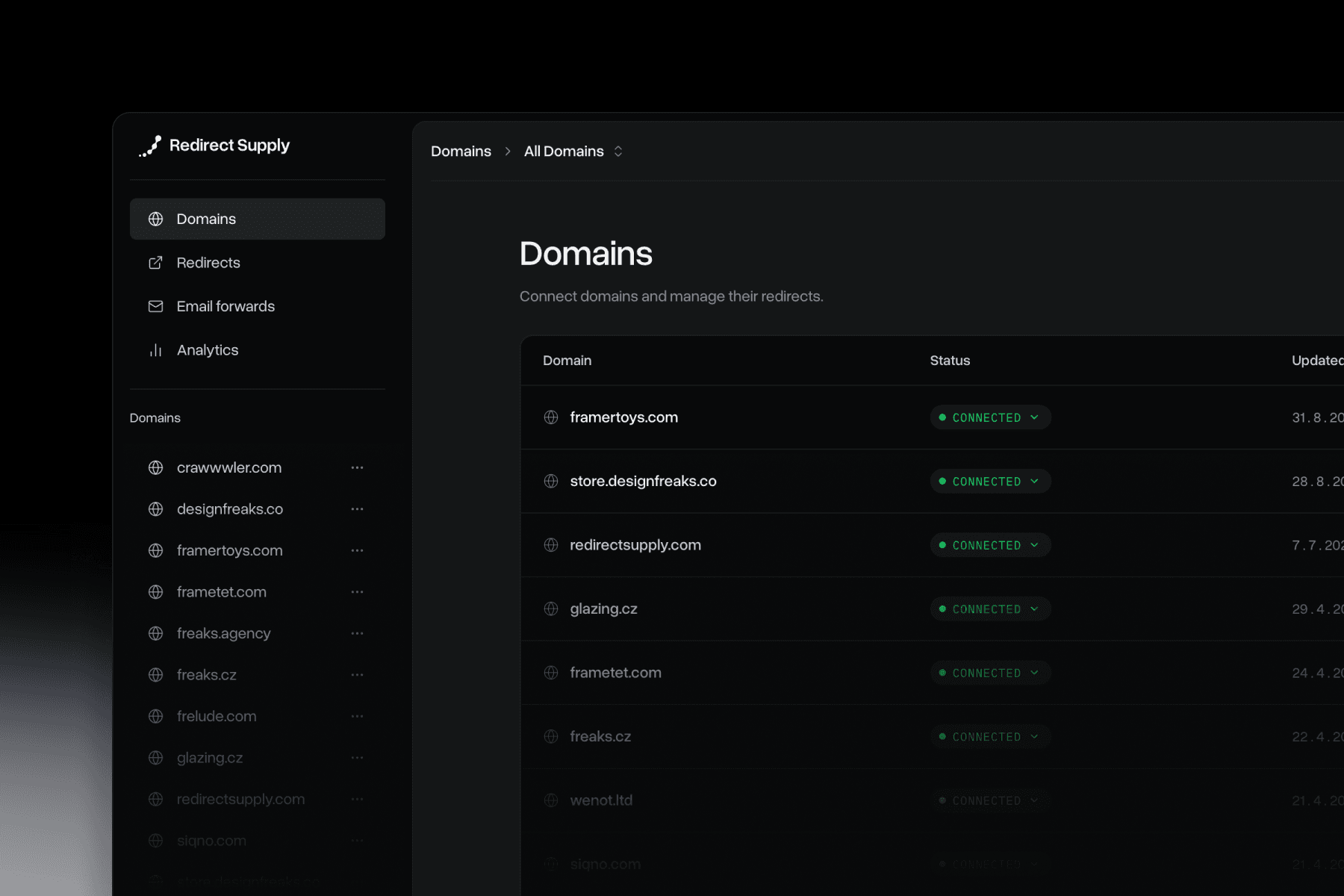
How it works
Once a domain's DNS points to Redirect Supply, every request for that domain is checked against your rules at the edge, before it ever reaches an origin server. Match found, visitor redirected. No round trip, no backend, no delay.
Get started in 4 steps
1. Create your account
Head to app.redirect.supply and sign in with Google or with email, we'll send a magic link, no password to remember.
2. Add your first domain
Click "Add domain" and enter the domain you want to redirect from (e.g. oldsite.com). Redirect Supply generates the DNS records you'll need.
3. Point your DNS
Add the records shown on your domain's settings page. Most domains need four: a CNAME, two A records, and a TXT record for verification. Subdomains only need two: a CNAME and a TXT record. Occasionally a fifth TXT record is requested automatically if extra SSL verification is needed (more common on less typical TLDs). Once records propagate, your domain status flips to "connected".
Full breakdown: DNS Setup Guide.
4. Create your first rule
Open your domain's Rules page and click "New rule". A global catch-all is the fastest way to see it work:
Save it, open your old domain, and you'll land on the new one instantly.
Picking the right redirect type
Global vs. path rules
A global rule sends every request on a domain to one destination. A path rule redirects a single URL, or a pattern, to a specific target, path rules take priority over a global catch-all when both match. See Global Redirects and Path Redirects.
301, 302, and beyond
301 is the default and right choice for permanent moves, it passes SEO value to the new URL. Use 302 for anything temporary. 307 and 308 are also available from the same dropdown for cases where the request method needs to be preserved.
Full comparison: Redirect Types.
If something's not working
Domain stuck on Pending
Usually a DNS record that hasn't propagated yet, or one that's missing.
See Domain Stuck on Pending.
Redirect not firing
Check rule priority and make sure the path or pattern actually matches the incoming URL.
See Redirects Not Working.
SSL certificate issues
Usually resolves once the verification record is in place.
See SSL Certificate Issues.
Support
Still stuck? Our team is happy to help, email us at support@redirect.supply and we'll get back to you.