
Profile
Your account details live under Settings > Account. There isn't much here by design, we keep account data minimal: your email and your sign-in method, nothing else.
Your account
Two fields are shown here. Your email is the address your account is registered under, this is where domain and billing notifications go. Your sign-in method shows how you access your account, either Magic link or Google. Both are set once at signup.
Sign-in methods explained
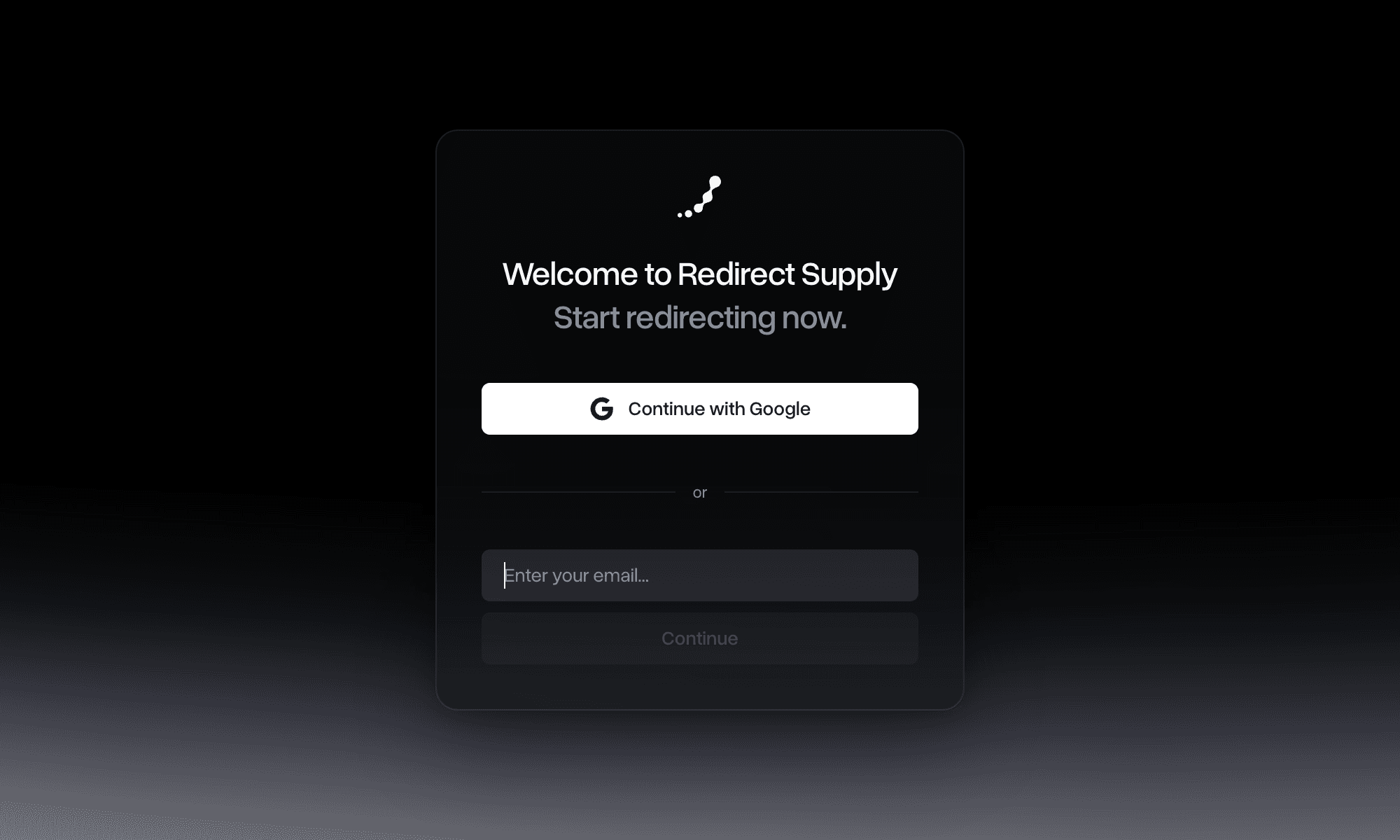
Magic link
Instead of a password, we send a one-time, expiring link to your email whenever you sign in. Click it, you're in. There's nothing to remember and nothing that can leak in a breach.
Sign in with your existing Google account. Same idea, no password stored on our end, Google handles the authentication.
Changing your sign-in method
Your sign-in method is locked to whichever you chose at signup. To switch, for example from magic link to Google, contact support@redirect.supply. More on how this works: Security & Access.